

Choose a platform
-
 Windows Version 24.1.1687.0
11 MB
DownloadRecommended for your device
Overview
Introduction
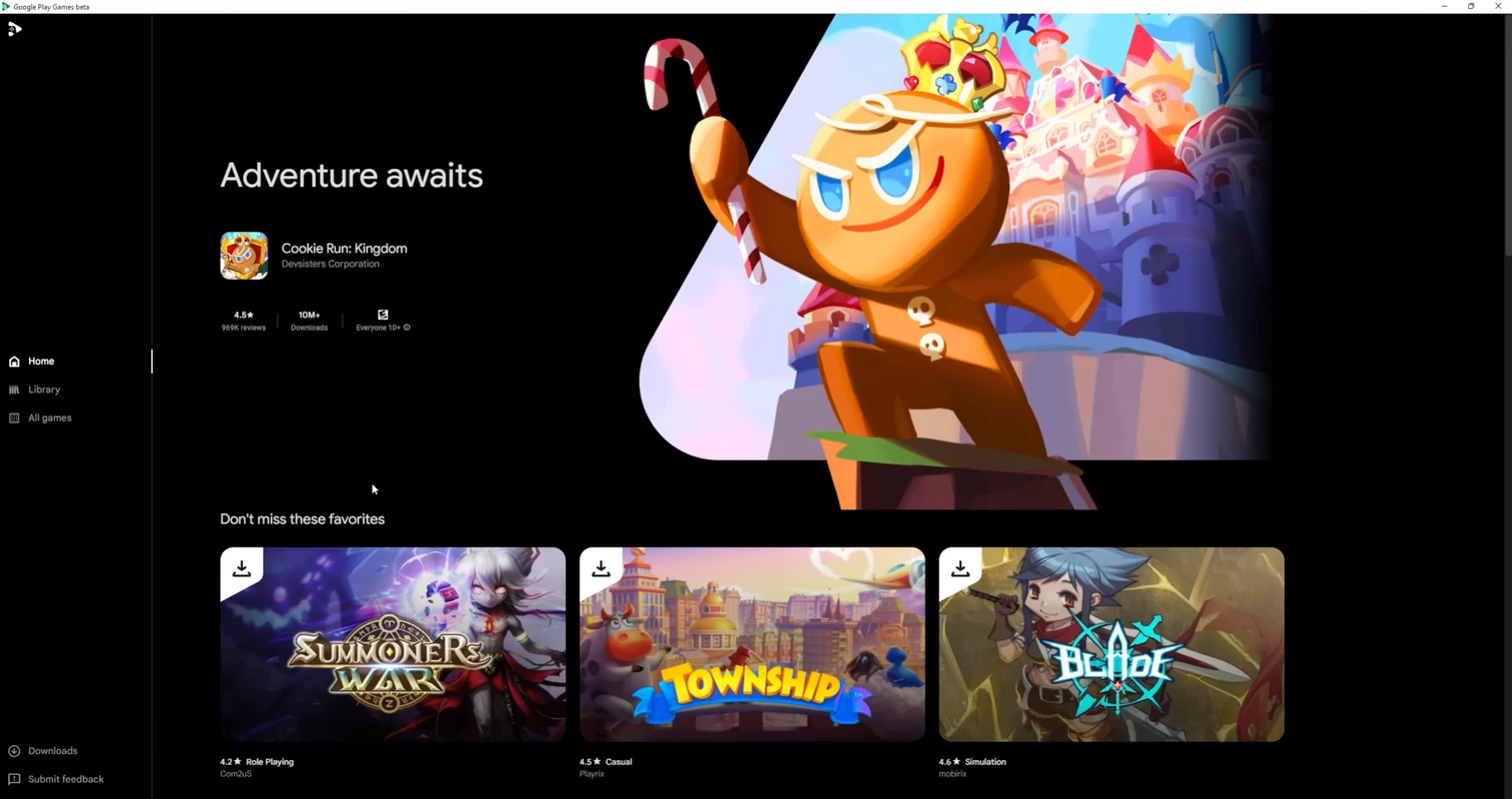
Google Play Games is a comprehensive gaming platform developed by Google for Android devices. Serving as a hub for gamers, it offers a number of features that enhance the gaming experience, including achievements, leaderboards, multiplayer features, and the ability to seamlessly discover and install new games.
Key features of Google Play Games
1. Gamer Profile
Users can create a gamer profile that displays their gaming achievements, play time and other gaming related statistics.
2. Achievements
Google Play Games integrates with supported games for achievements, creating an extra level of challenge and motivation for players.
3. leaderboards
Compete against friends and other players around the world with leaderboards, tracking high scores and achievements.
4. Multiplayer games
Enjoy multiplayer games by teaming up with friends or casual opponents, fostering a sense of community and competition.
5. Game Search
Google Play Games recommends new games based on a user's preferences and gaming history, making it easier to find interesting games.
Conclusion
Google Play Games, developed by Google, is the central hub for gamers on Android, offering a range of features that enhance the gaming experience. From achievements to multiplayer features and game discovery, Google Play Games provides a cohesive and enjoyable platform for players to explore, compete and socialise in the vibrant world of mobile gaming. Whether you're a casual gamer or a dedicated enthusiast, Google Play Games is designed to enhance your gaming adventures on Android.
Features
Pros
- Unified Gaming Platform
- Achievements and Leaderboards
- Cloud Save
- Multiplayer Gaming
- Integration with Google Services
Cons
- Limited to Android
- Dependency on Google Account
Screenshots
Ask a Question
Is Google Play Games free to use?
Yes, it is a free service provided by Google.
How do I create a gamer profile on Google Play Games?
Users can create a gamer profile by opening the Google Play Games app, navigating to their profile and following the prompts to set and customize their profile.
Does Google Play Games have parental controls?
Google Play Games relies on the broader parental control settings in the Google Play Store. Parents can customize and manage these settings to regulate their child's gaming activities.
Similar programs
-
 Trello Trello, Inc.
5 (1) Free 10 198
Windows, Mac OS, iOS, Android
View Trello -
 ONLYOFFICE Ascensio System SIA
5 (1) Free 23 598
Windows, Mac OS, Android, iOS
View ONLYOFFICE -
 Lenovo Vantage Lenovo Inc.
2.2 (24) Free 17 455
Windows
View Lenovo Vantage


